

SmartSchool OS — AI-Powered School Operating SystemSmartSchool OS — AI-Powered School Operating System
FeaturesPricingAboutDocsSupport
LoginStart free
SmartSchool OS — AI-Powered School Operating SystemSmartSchool OS — AI-Powered School Operating System

One AI-powered operating system for school reports, exams, analytics, and growth — replacing spreadsheet chaos with clarity.

Start free

Product

  • Features
  • Pricing
  • Documentation

Resources

  • Get started
  • Support
  • About

Legal

  • Privacy Policy
  • Terms of Service

© 2026 SmartSchool OS. All rights reserved.

Powered by Globull

Documentation

Everything you need to run SmartSchool OS.

Step-by-step guides, reference material, and best practices for every module — from first login to multi-campus governance.
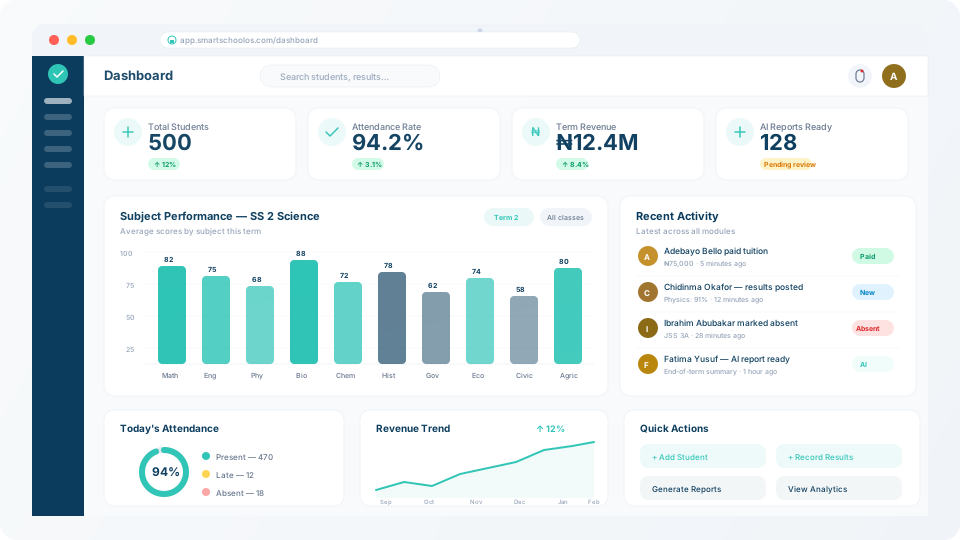
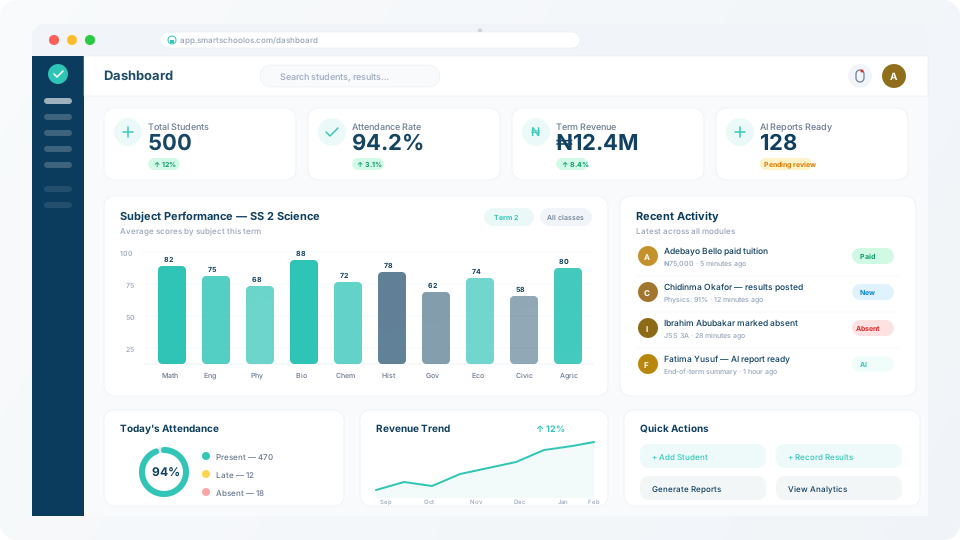
SmartSchool OS dashboard overview
Getting started

Getting started

Set up your school workspace, invite staff, and configure your first term.
  • Quick-start guide
  • Workspace setup
  • Inviting staff & teachers
  • Configuring terms & sessions
  • Offline mode (mobile)
Student management

Student management

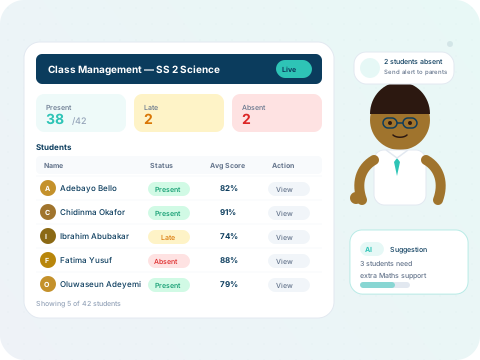
Enrol students, manage profiles, assign classes, and track attendance.
  • Student enrolment
  • Class assignment
  • Attendance tracking
  • Parent portal access
Exams & results

Exams & results

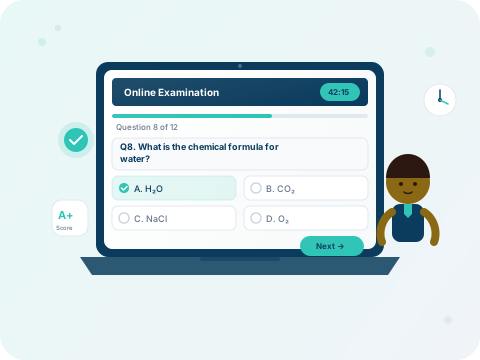
Create exam schedules, enter scores, and generate report cards with AI assistance.
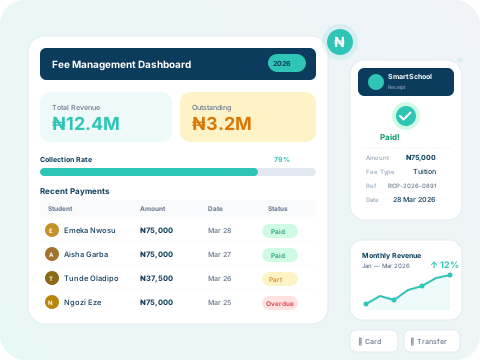
  • Exam creation
  • Score entry workflows
  • AI report generation
  • Report card templates
Analytics & billing

Analytics & billing

Understand your dashboard, track revenue, and manage subscription plans.
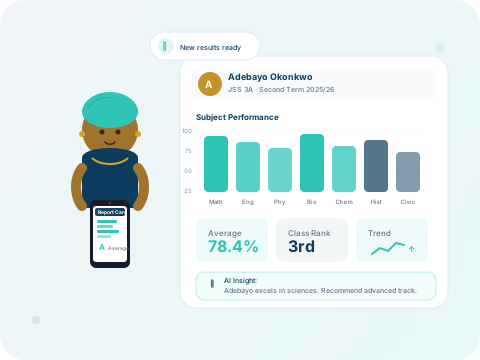
  • Dashboard overview
  • Revenue analytics
  • Storage management
  • Billing & invoices
AI features

AI features

Leverage AI credits for automated report writing, anomaly detection, and insights.
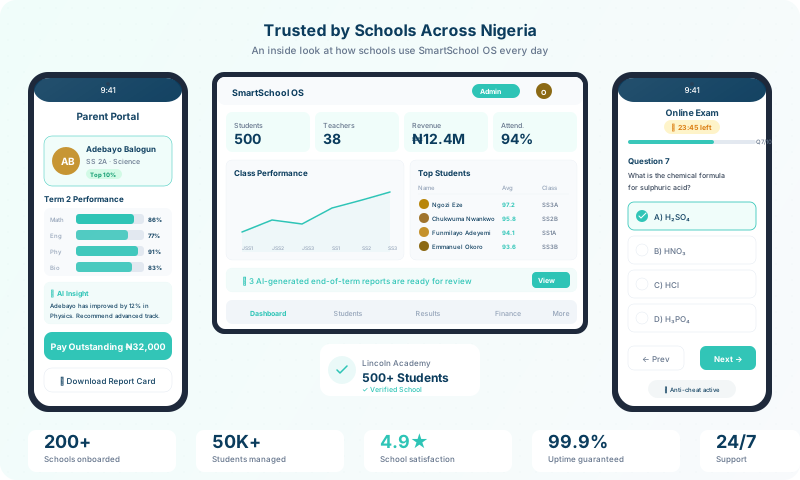
  • AI credits explained
  • Auto-generated reports
  • Performance insights
  • AI usage dashboard
Administration

Administration

Platform settings, role management, security, and multi-campus governance.
  • Roles & permissions
  • Security settings
  • Multi-campus setup
  • Data export & backup
Online enrollment

Online enrollment

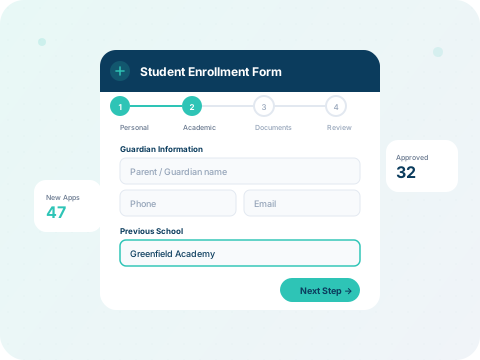
Accept applications online, review submissions, approve or reject, and track enrollment pipelines.
  • Enrollment form setup
  • Application review workflow
  • Document uploads
  • Enrollment analytics
Timetable & scheduling

Timetable & scheduling

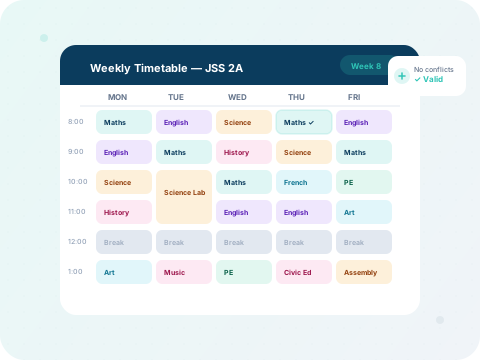
Build weekly timetables, assign teachers to slots, detect conflicts, and publish schedules.
  • Creating a timetable
  • Adding class slots
  • Conflict detection
  • Publishing schedules
Learning management (LMS)

Learning management (LMS)

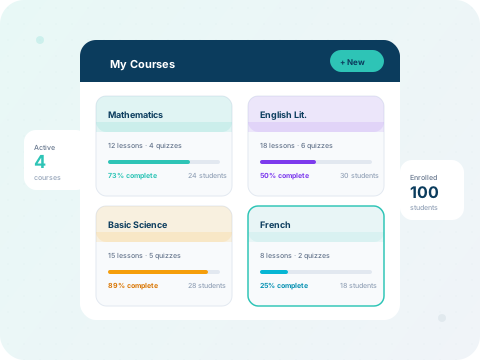
Create structured courses with lessons, quizzes, and progress tracking for every student.
  • Creating courses
  • Adding lessons & quizzes
  • Tracking progress
  • Student submissions
Library management

Library management

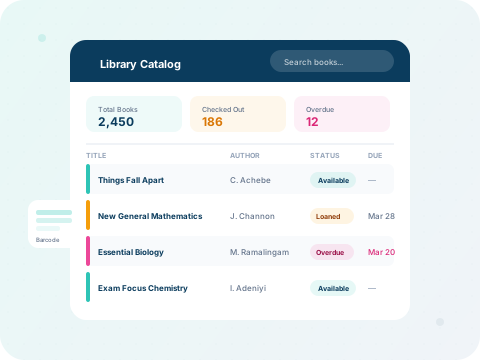
Catalogue your school library, manage loans and returns, and track overdue books.
  • Adding books
  • Checkout & returns
  • Overdue management
  • Search & filters
Calendar & events

Calendar & events

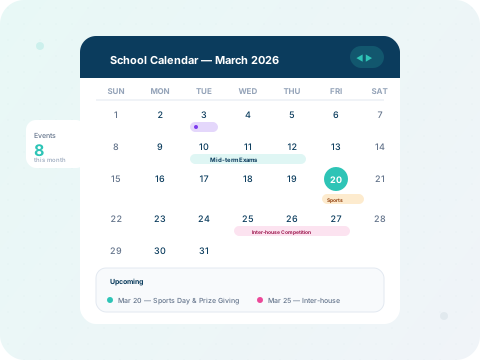
Plan the school year with a shared calendar — academic dates, events, holidays, and exam periods.
  • Creating events
  • Academic calendar setup
  • Holiday management
  • Event notifications
HR & payroll

HR & payroll

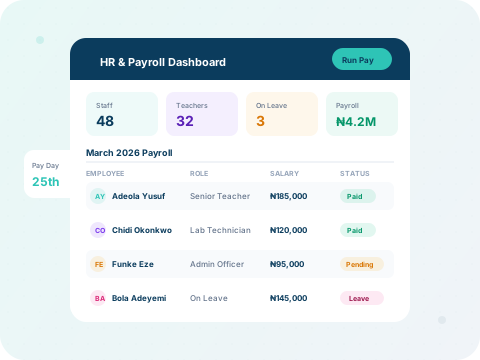
Manage staff records, process salaries, handle leave requests, and generate payslips.
  • Staff directory
  • Running payroll
  • Leave management
  • Payslip generation
Report card generator

Report card generator

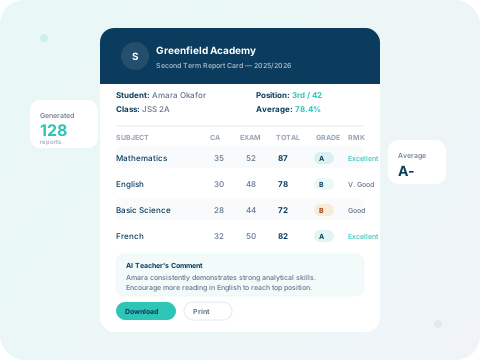
Generate bulk report cards with auto-grading, AI comments, and downloadable PDFs per student.
  • Template setup
  • Bulk generation
  • AI comments
  • Download & print
In-app browser

In-app browser

A built-in browser with bookmarks, history, and safe sandboxed browsing — no need to leave the dashboard.

  • Browser overview
  • Bookmarks & history
  • Safe browsing sandbox
  • Search integration

56

In-depth guides

14

Module categories

56

Annotated screenshots

200+

Step-by-step instructions

Can't find what you need?

Our support team is available to help with setup, integrations, and any platform questions.

Contact support